Replace a character
Replace the main performer in the source video with the person in my reference image. Keep the original gestures, body movement, camera path, timing, and background. Match the new character across the entire shot.

Start with a precise brief for a character, object, or background edit. Make it your own, then send it to the Agent.
Select a template to edit it in the workspace above. Add your own details and media before sending.
Replace the main performer in the source video with the person in my reference image. Keep the original gestures, body movement, camera path, timing, and background. Match the new character across the entire shot.
Keep the person and their performance in the source video, but change their outfit to [describe the new look]. Preserve facial features, pose, timing, lighting, and camera movement across the full clip.
Replace the clearly visible object in the source video with the product in my reference image. Keep the hand interaction, scale, perspective, camera movement, lighting, and everything else unchanged. Tell me if this edit is unsupported before generating.
Change only the [identify the prop and its position] to [describe the material, color, and shape]. Preserve the original grip, movement, shadows, and background. Flag any unsupported detail in the plan.
Change the background of the source video to the setting described here: [describe the new setting]. Preserve the subject's appearance, action, framing, camera movement, and timing. Keep edges and lighting coherent throughout the clip.
Keep the subject, setting, action, and camera path, but change the scene to [describe time of day and light]. Maintain consistent shadows and edges as the camera moves. Review the plan before generating.
Precise constraints turn a broad idea into a brief you can actually review against the source.
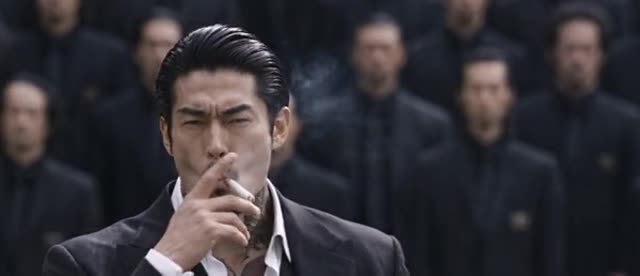
For people, name the performer by position or clothing. For objects, give its location and visible shape. A target that is easy to point to is easier to evaluate.
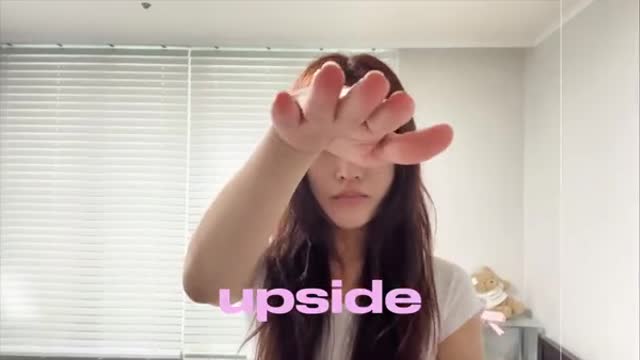
Specify the gestures, timing, camera path, background, or hand interaction that must remain. Avoid asking for a new performance and an unchanged performance at once.
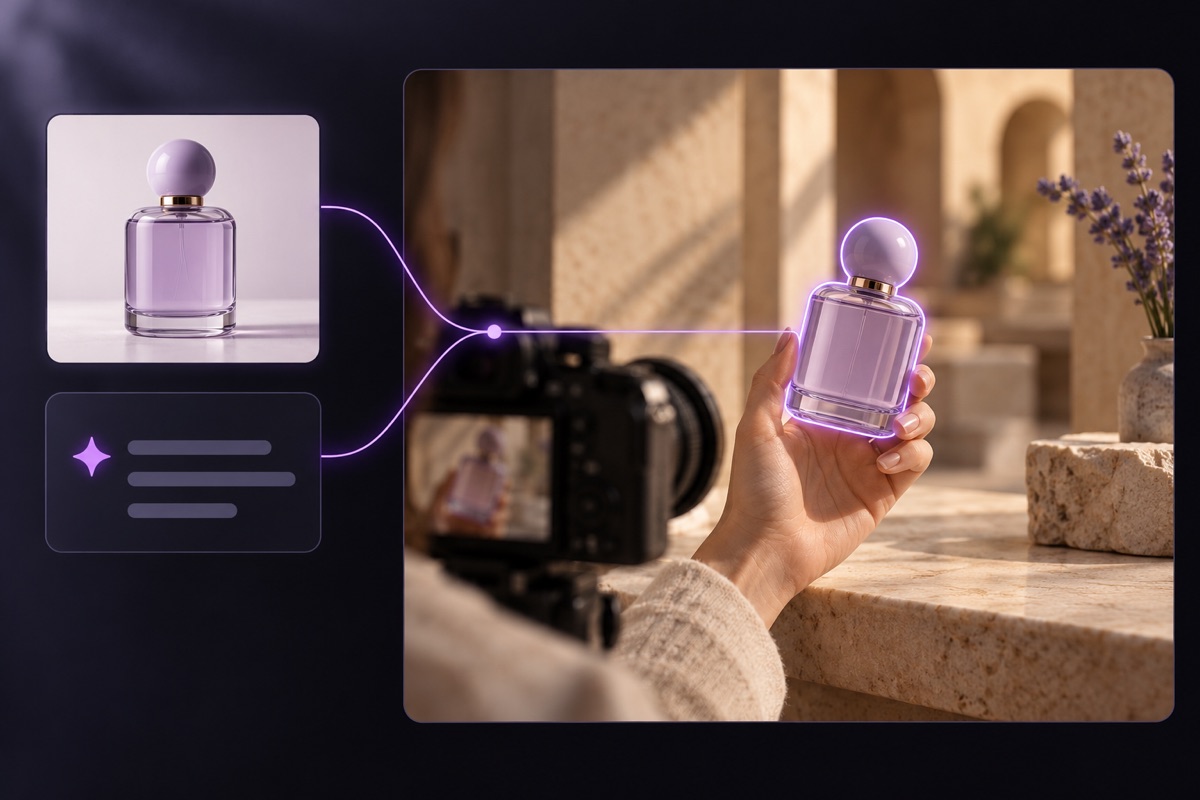
Choose a template, replace its placeholders, and add your own references. After the Agent proposes a plan, adjust only the parts that are still unclear.
Each example combines a target, a requested change, and an explicit preservation rule. Edit the filled draft before sending.
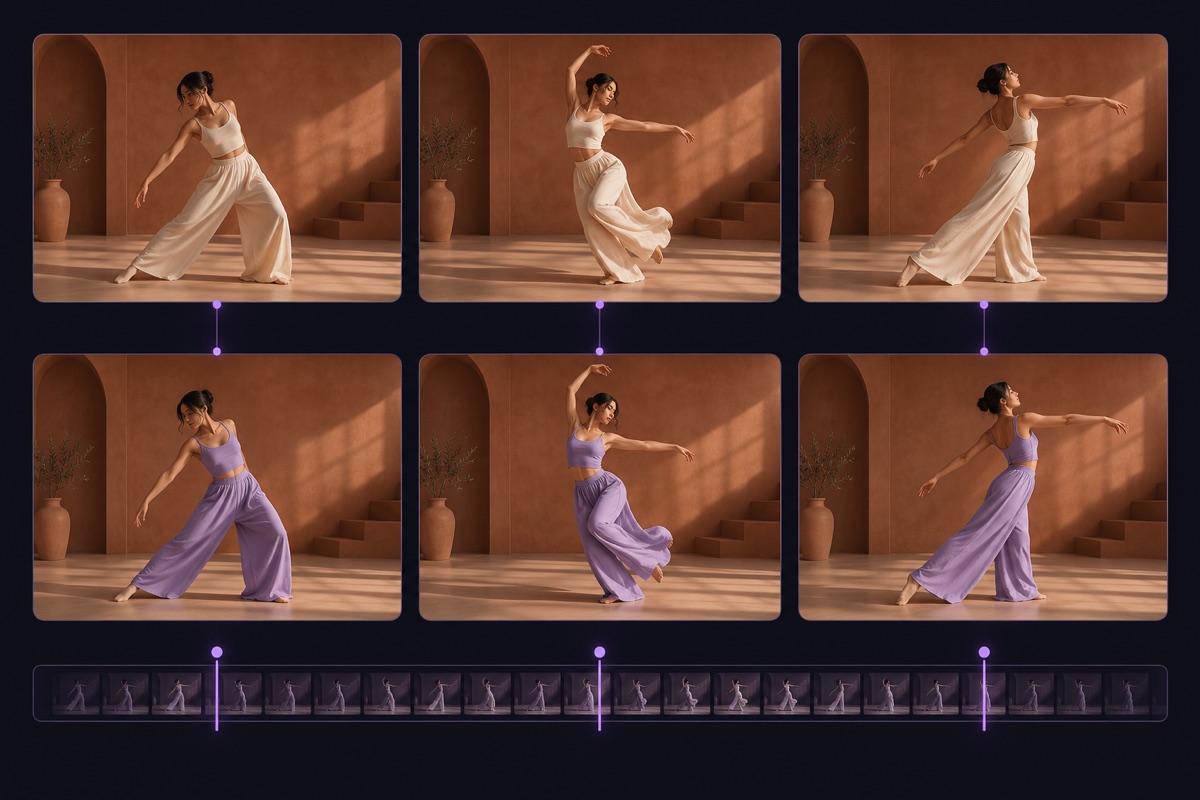
Target the person by position, then specify the new look and unchanged action.
Describe where the object is and what interaction needs to survive.
Change the environment while protecting the subject and its movement.
Three moments from one clip show why a useful prompt names a target, specifies the change, and protects the rest of the scene.
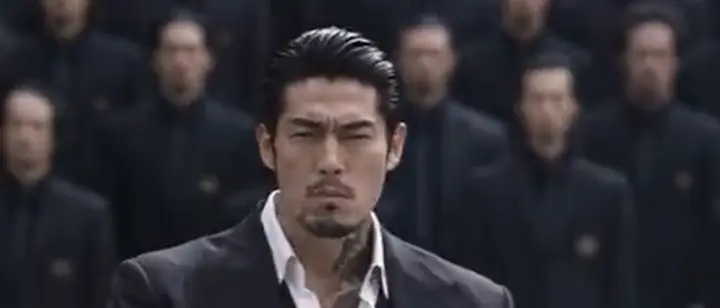
Identify the central person, object, or background by position.
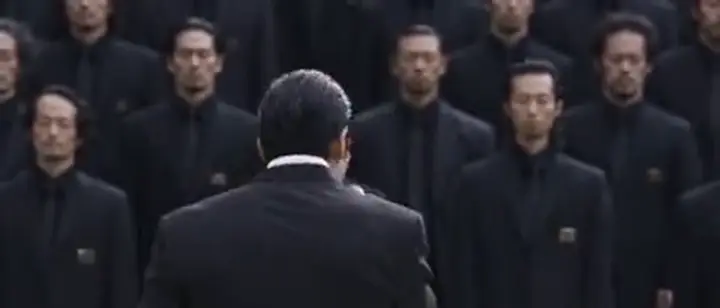
Describe the intended new appearance with an attached reference.
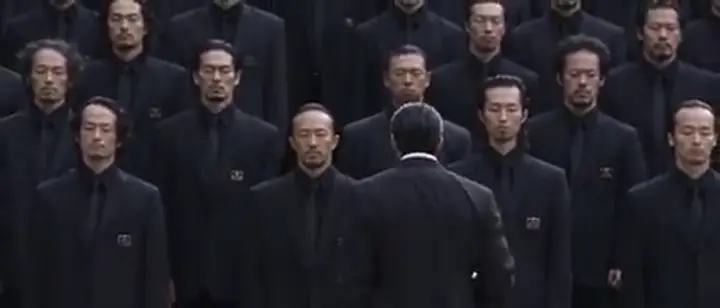
Keep the camera path, crowd, and timing explicit in the brief.
These are source frames for prompt planning, not a generated before-and-after comparison.
A template is useful only when its placeholders and assumptions match your media.
The person, item, or setting to change is unambiguous.
The attached image shows the intended look clearly and you may use it.
The prompt names the motion, framing, and elements that must stay.
The Agent's operation, output settings, and credit quote match the request.
Yes. Selecting a template fills the editable workspace. You can change any wording and add supported media before sending.
No. They provide a clearer brief; the Agent plan and generated result still require review.
Use one when appearance matters. A clear image helps communicate a person, product, or setting more precisely than text alone.
Upload your media, adjust the brief, and confirm the plan only when it matches your goal.
Start creating