CLIP 01 / 03
Arcade Street
A woman poses and turns before an ornate entrance. Preserve the full-body framing, steps, and camera timing while changing her outfit and accessories.

Start with a format you like, keep its rhythm and camera movement, and make a version that is unmistakably yours.
Explore ready-to-use motion and framing. These are creative examples, not claims of view counts or guaranteed results.
A woman poses and turns before an ornate entrance. Preserve the full-body framing, steps, and camera timing while changing her outfit and accessories.
Choose a gallery clip or upload footage you have permission to edit.
Add a character reference and describe what should be different.
Ask the Agent to retain the gesture, pacing, and camera move, then inspect the output.
The strongest remix preserves the recognizable beat without copying a creator's identity or claiming their reach.
Look for a clear movement, reveal, or camera turn. A short continuous shot is easier to adapt than a montage with unrelated cuts. Use your own footage or a clip you have permission to transform.
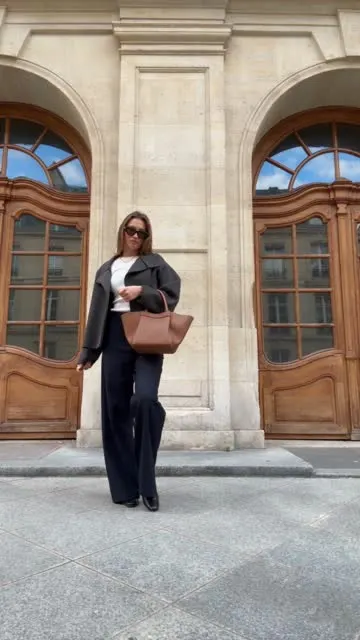
Add a reference image that fits the framing, then decide whether you are changing the performer, styling, or setting. A focused first pass makes the result easier to compare.

Describe the change and the parts to retain: action, pacing, camera path, and scene geometry. Start with a short test before investing in more variations.
These starting points focus on the shot's rhythm rather than copying a creator's identity or claiming a result will go viral.

Hold a recognizable pose, then let a new character design become the visual hook.
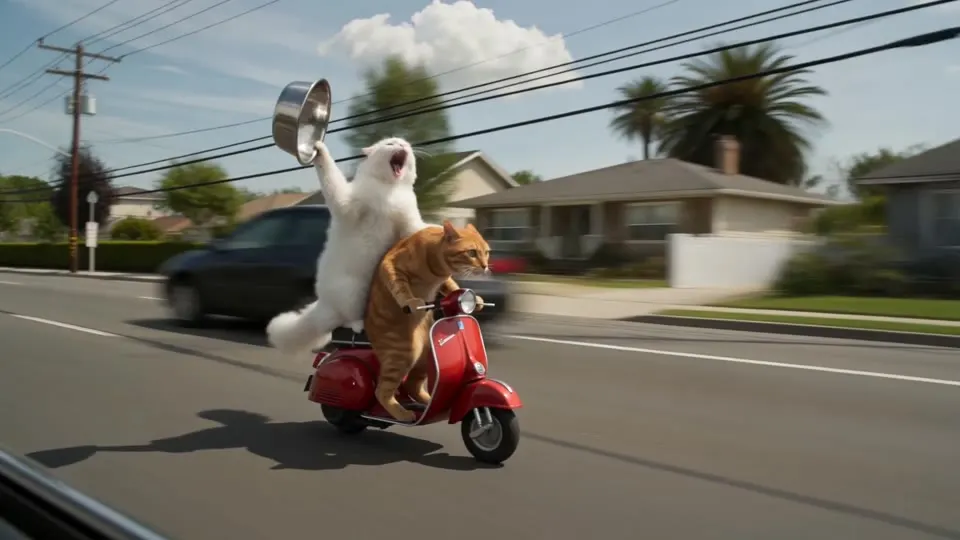
Follow a subject through a changing background without losing the direction of travel.
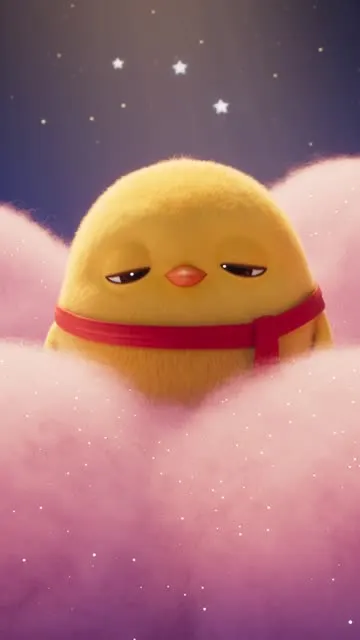
Let one clear reaction carry the transition to a different look or setting.
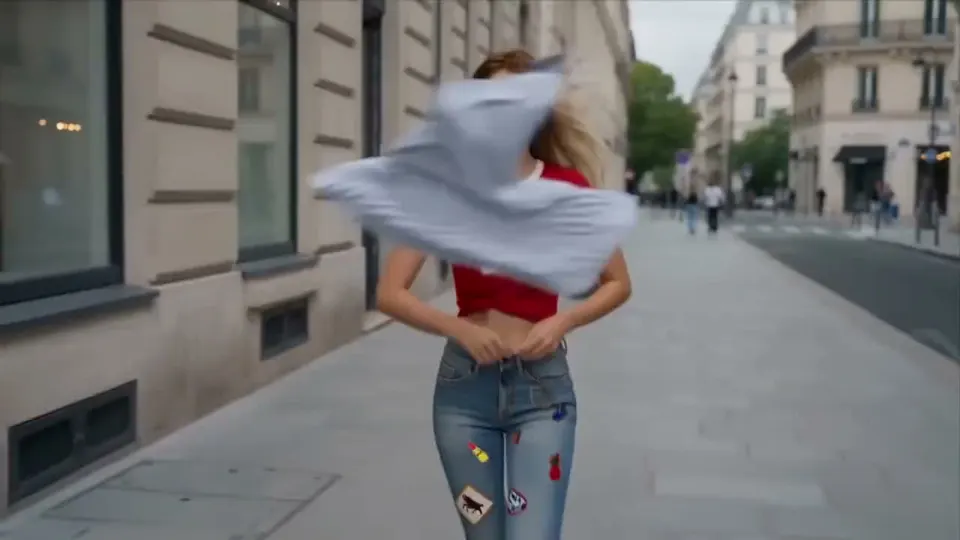
A clear transformation has a setup, an occluding movement, and a readable reveal. Use the timing as a creative reference, then supply your own permitted footage.
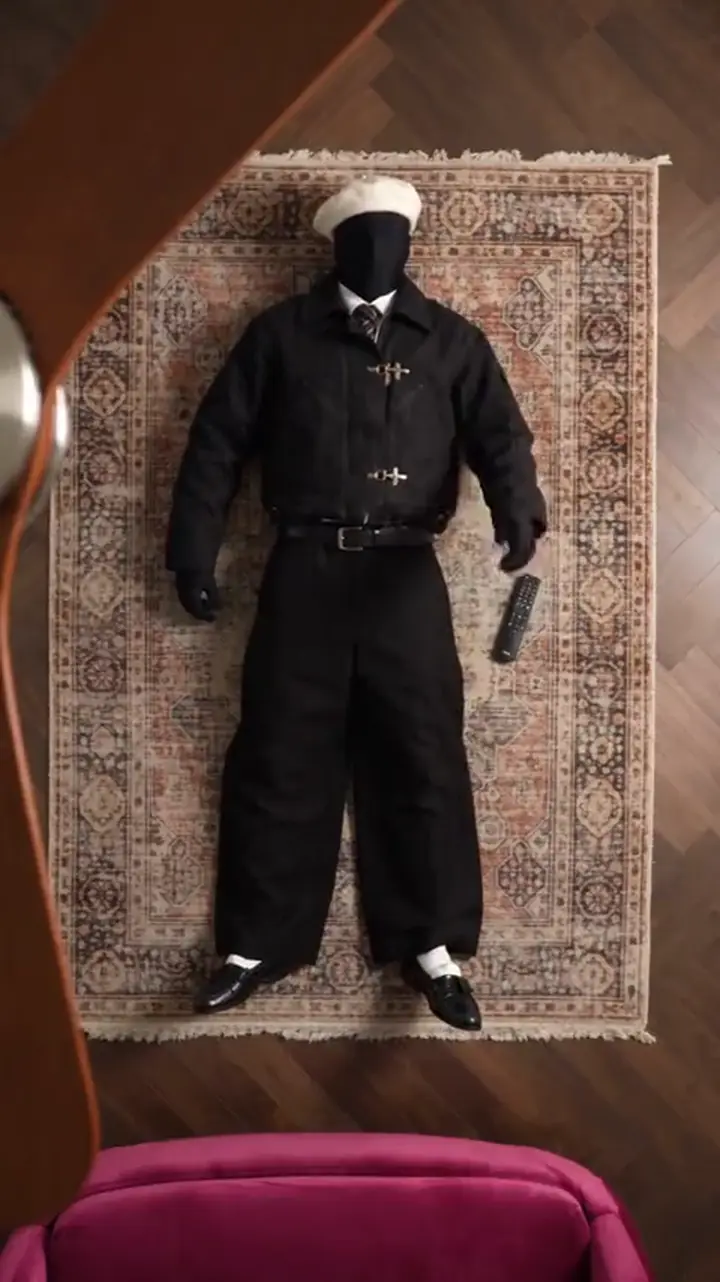
Show the initial look long enough for the viewer to register it.
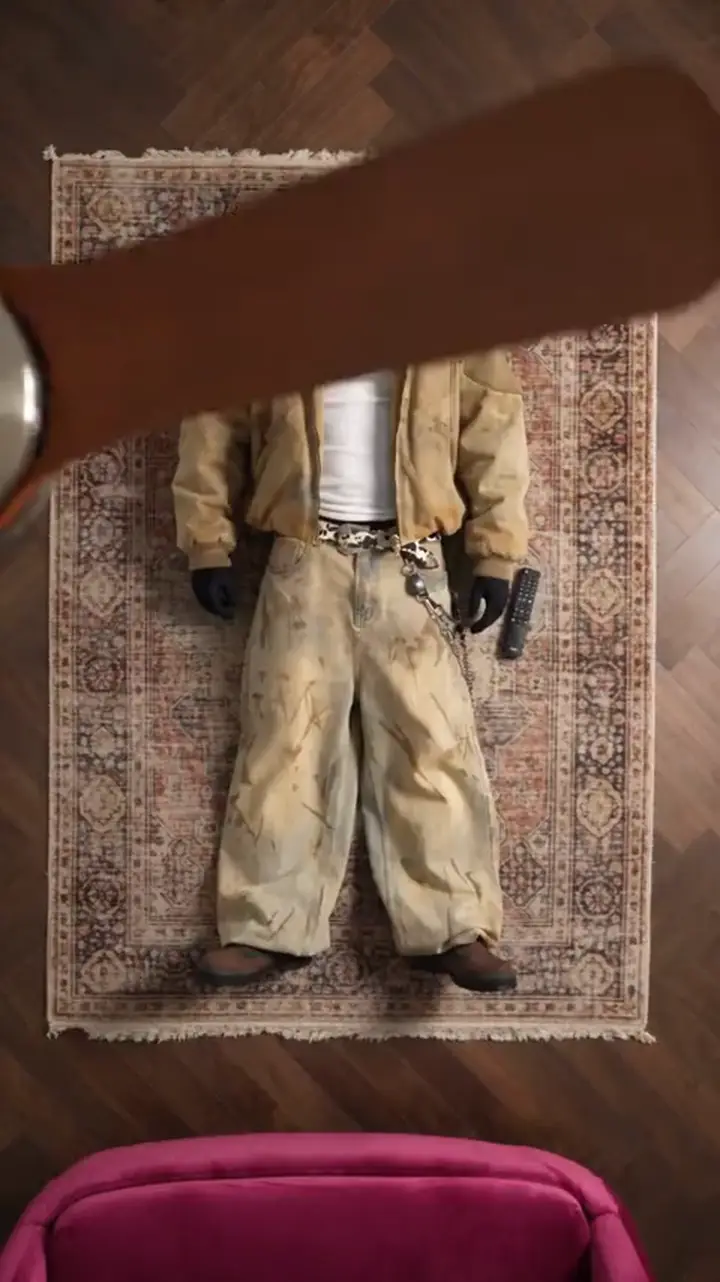
A foreground movement provides a natural transition point.
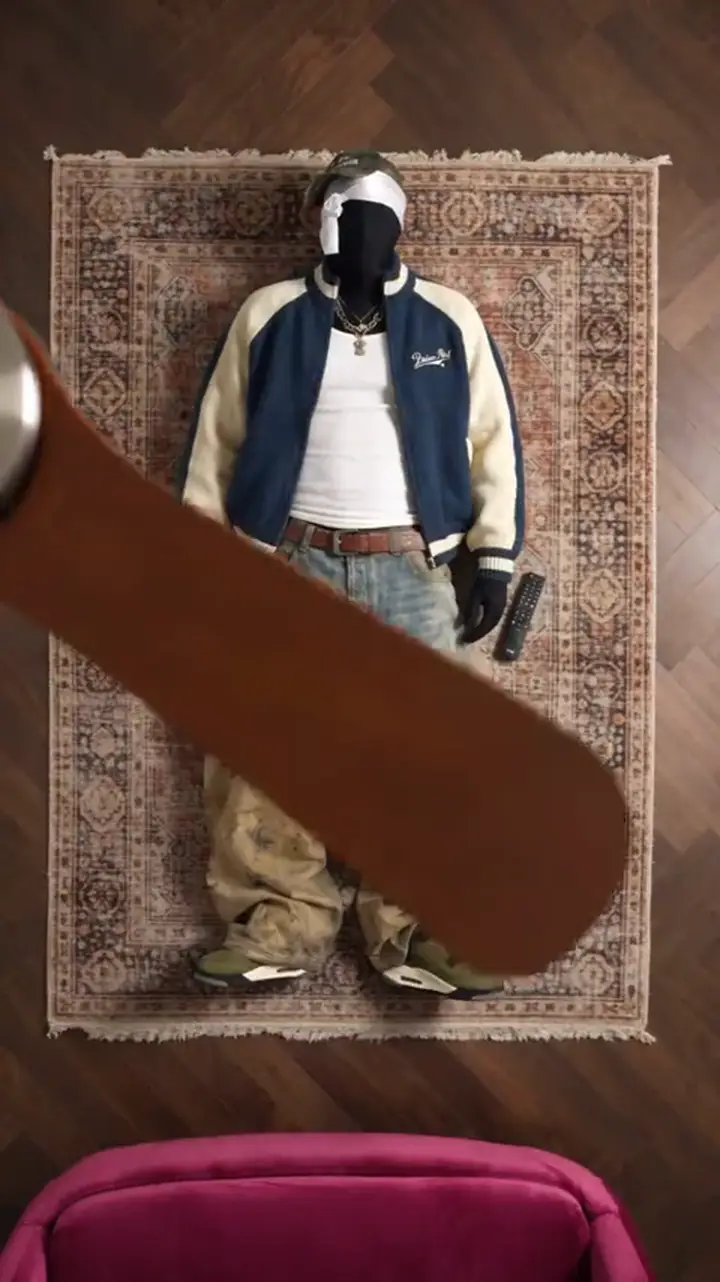
Keep the subject and framing readable after the movement clears.
Source frames illustrate a shot format, not verified view counts or an output guarantee.
A recognizable beat works best when the edit has a distinct subject and context.
The action is readable immediately, even without sound or a long setup.
The change has a clear moment instead of drifting gradually between looks.
Framing and motion stay coherent before and after the reveal.
The source clip and identifiable people are cleared for the intended use.
Yes. Select a clip to load it into the Agent with a starter brief, then add your own reference and revise the instructions.
No. They illustrate reusable shot formats; the page does not claim any view count or predictable performance.
Only use footage you own or are authorized to edit, and get permission from identifiable people where needed.
Upload your media, adjust the brief, and confirm the plan only when it matches your goal.
Start creating