CLIP 01 / 04
Crowd Arrival
A guest moves through security and cameras at a crowded, red-lit event. Preserve the handheld movement and crowd timing while redesigning the guest's appearance and outfit.

Put a new character into an existing performance. Bring a source clip and a clear reference image, then refine the replacement with the Agent.
Playable examples from the CloneCut gallery. Choose a clip to load it into the Agent, then attach your own character image.
A guest moves through security and cameras at a crowded, red-lit event. Preserve the handheld movement and crowd timing while redesigning the guest's appearance and outfit.
Start with one visible performer in a continuous shot. A clear, permitted reference image helps describe the new appearance.
MP4 or MOV, 4-30 whole seconds for Agent input. Review motion and camera timing.
Show the face and clothing you want, with framing that fits the original shot.
Name the target and preserve the action, background, and camera path.
A convincing character change starts with footage that makes the intended subject and the parts to preserve easy to identify.
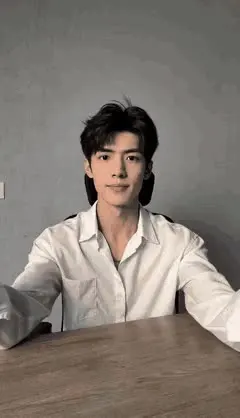
Use a continuous clip with one prominent person. Walking, turning, or a clear gesture gives you useful checkpoints for motion continuity; rapid cuts and repeated occlusion make the edit harder to evaluate.
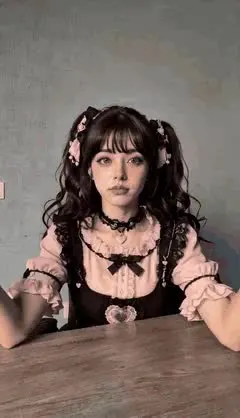
A reference with a visible face, hair, and outfit communicates more than a tiny portrait crop. When the source shows a full body, include enough of the intended look to guide the whole shot.
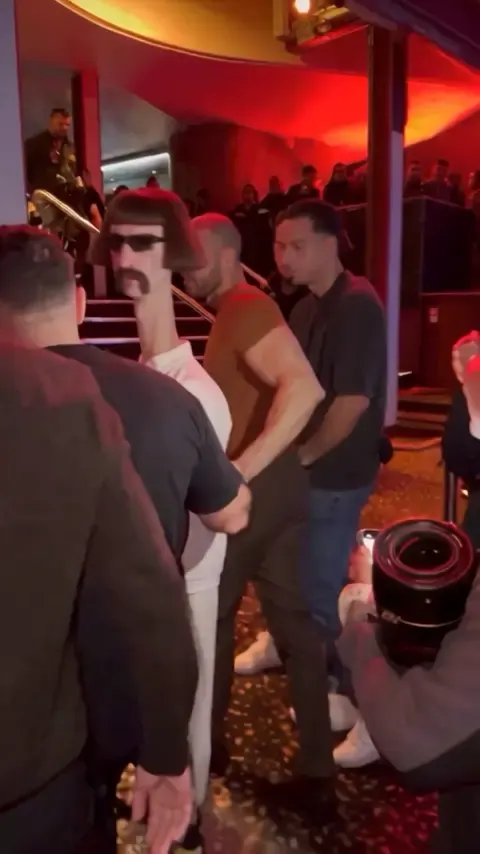
Name the person to replace by position or clothing. State that the steps, gestures, background, framing, and camera movement should remain. Review the entire output, not just a still frame.
Choose a focused brief, then attach footage and a permitted character reference in the workspace.
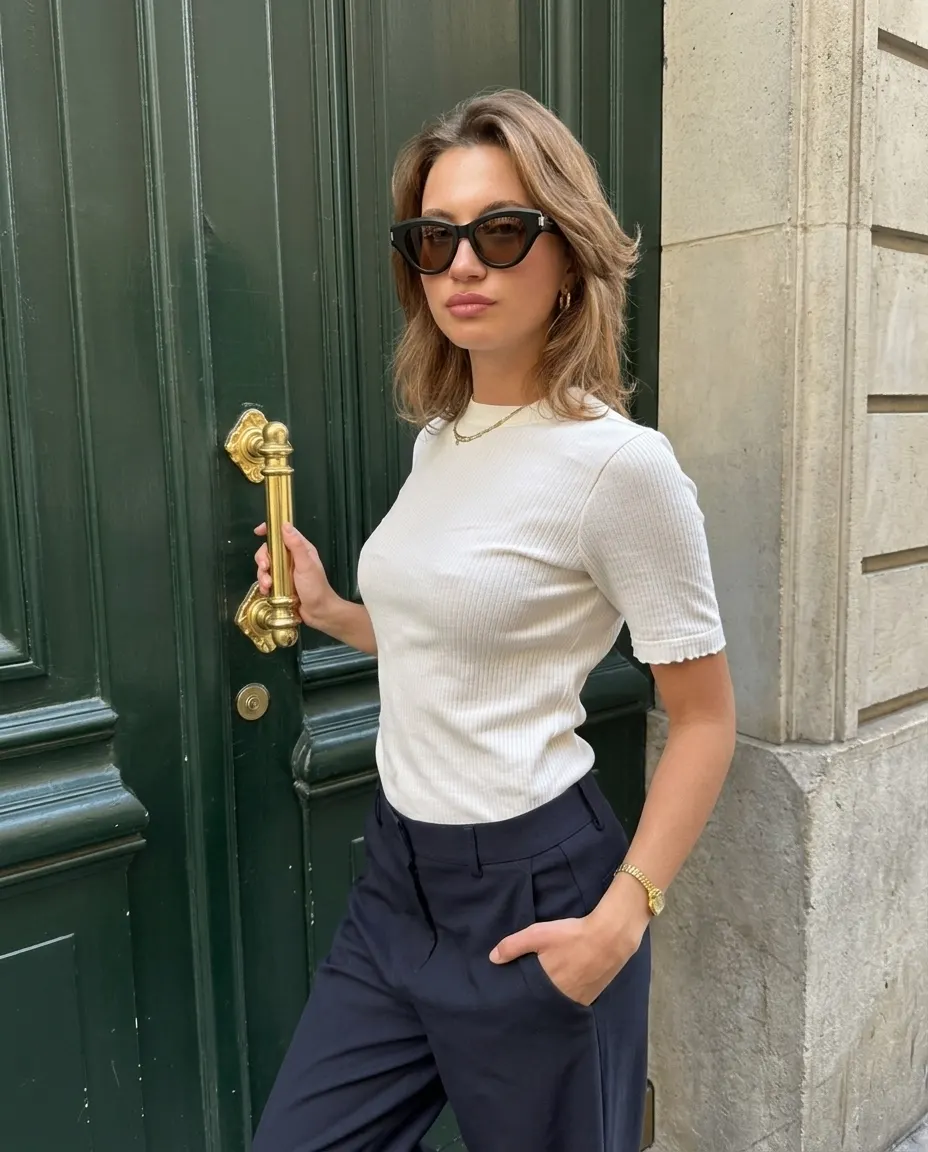
Best for a clear walk, turn, or gesture with an unobstructed subject.
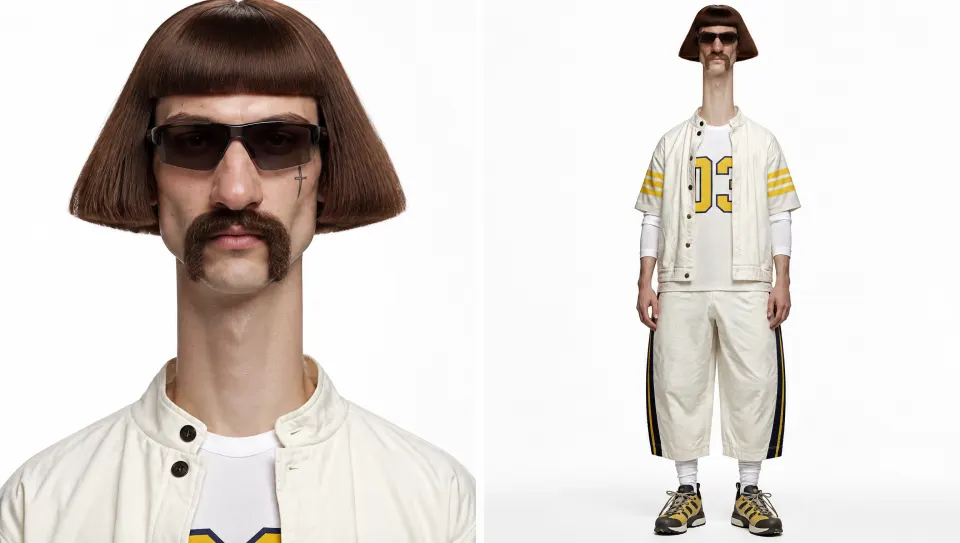
Identify the lead precisely while leaving surrounding people and camera motion alone.
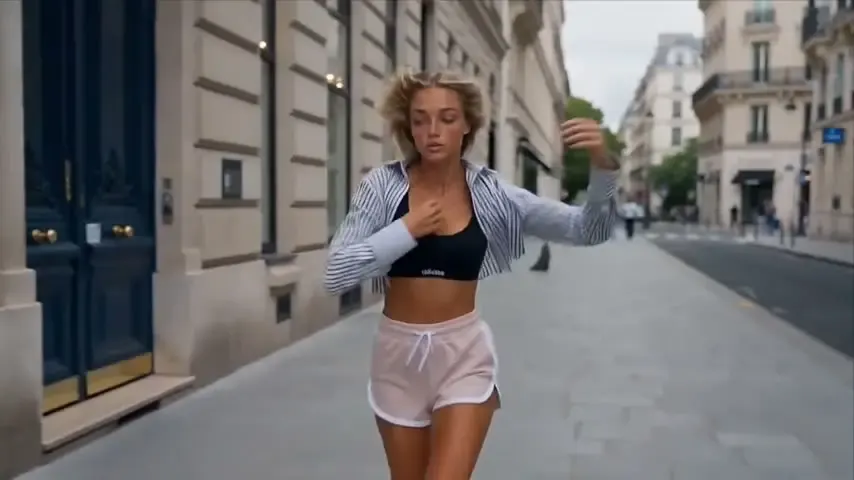
Track the same performer as their face and outfit change angle in a moving shot.
A studio performance makes the continuity checks visible: track the chosen performer while the other person, microphone, and camera framing stay in place.
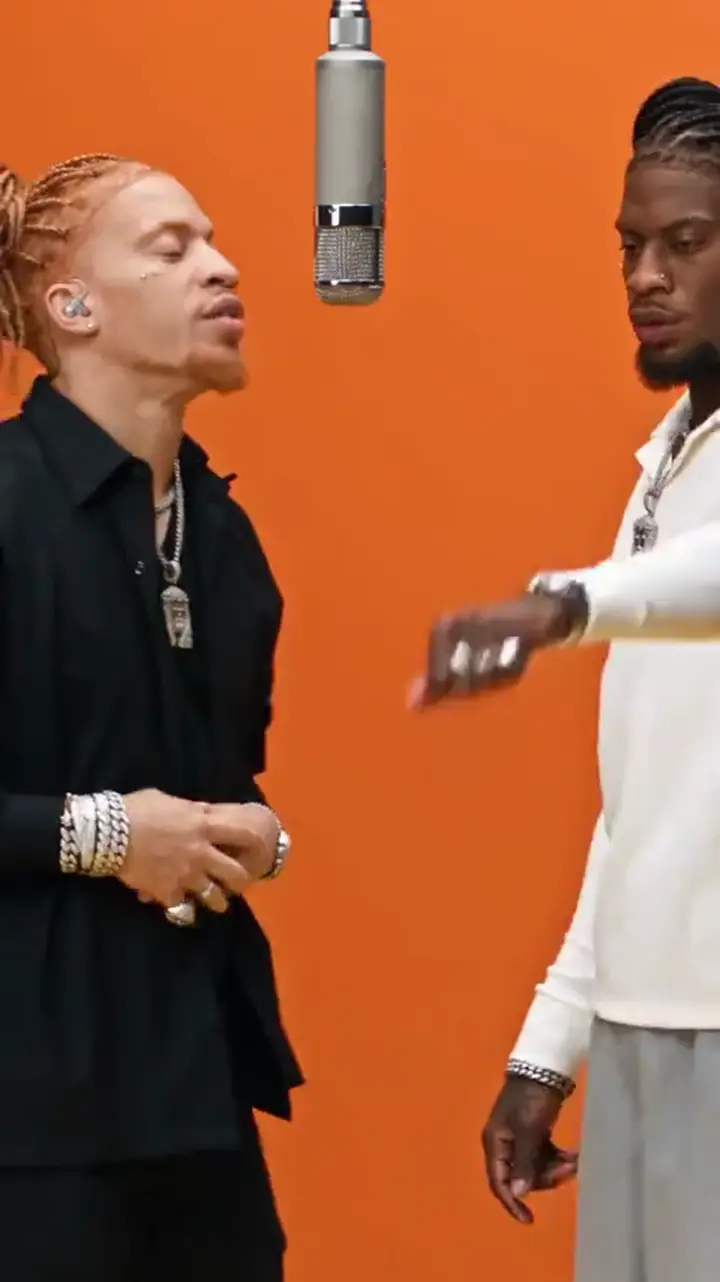
Name the performer by position and clothing before asking for a replacement.
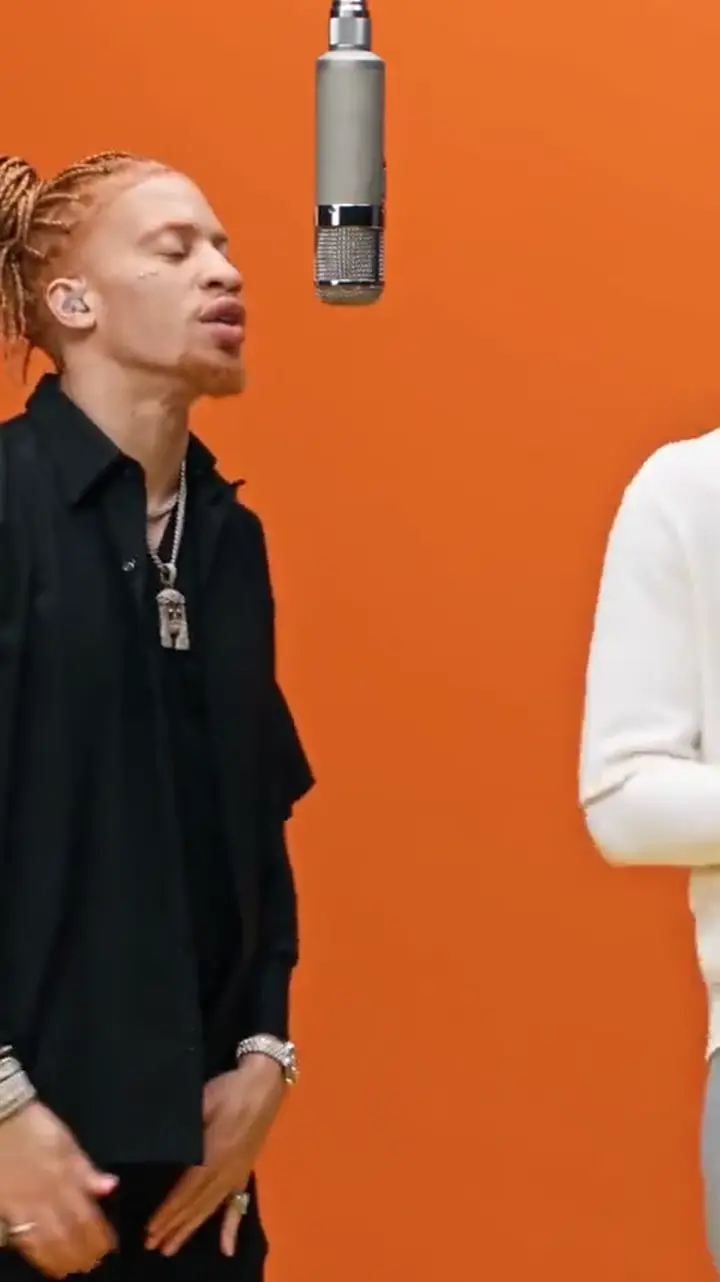
Check how the performer moves relative to the other person and fixed microphone.
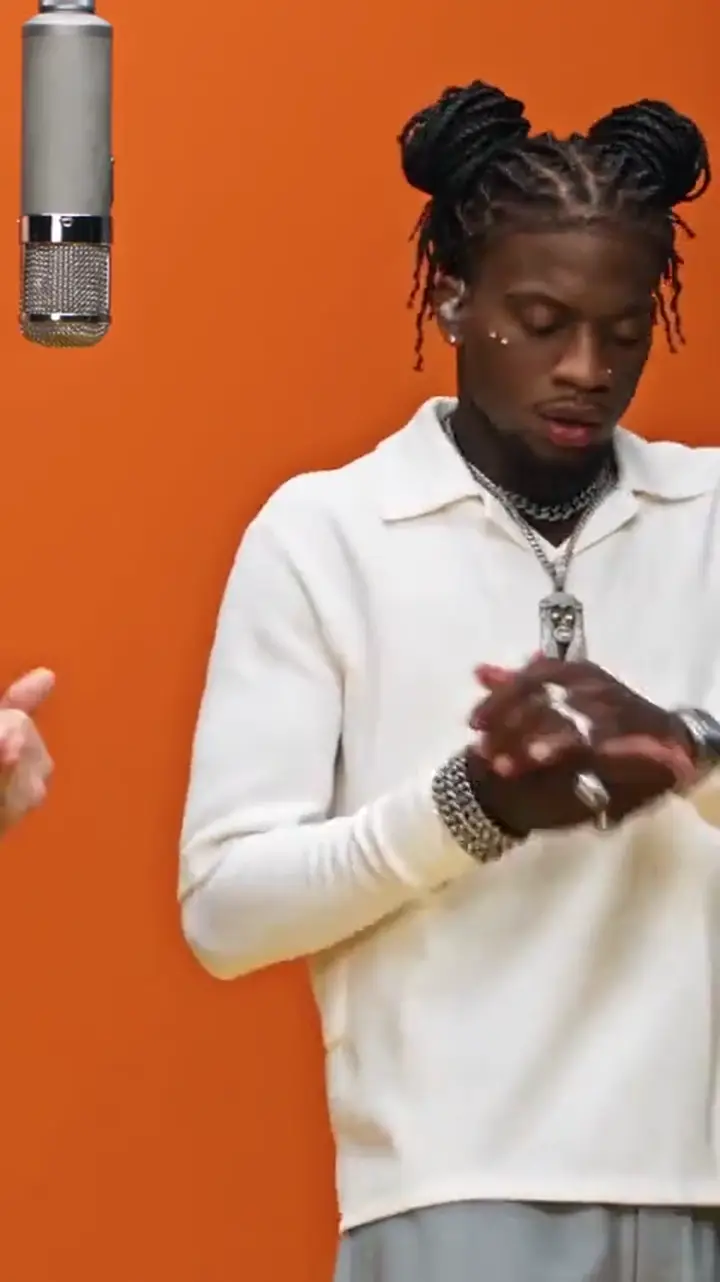
Look for a consistent face, outfit, hands, and spacing through the final frame.
Frames from a source clip for planning, not a generated character-swap result.
A convincing still frame is not enough. Check these points before using the clip.
Face, hair, and outfit remain consistent through turns and changes of distance.
Steps, gestures, and camera timing follow the source without unexpected jumps.
Hands, props, and people crossing the frame do not break the replacement.
You have the right to edit the footage and use the reference person's likeness.
Yes. Add the source video and reference image in the workspace, then describe the intended replacement. The Agent checks the media and prepares a plan.
Preserving movement is the goal, not a guarantee. Inspect the generated clip for timing, face consistency, hands, and occlusions before using it.
The current Agent input accepts MP4 or MOV videos from 4 to 30 whole seconds, subject to its other media checks. Output duration is determined in the plan.
Upload your media, adjust the brief, and confirm the plan only when it matches your goal.
Start creating