CLIP 01 / 03
Street Encounter
Two characters meet beside a parked sport motorcycle near a crosswalk. Preserve their positions and the quick handheld camera shifts while changing their appearance.

Build a concise scene from a prompt or reference image. Set the output quality in the Agent and review the plan before generating.
Gallery clips are creative references, not verified outputs of a particular Seedance version. Select one to bring it into the Agent workspace.
Two characters meet beside a parked sport motorcycle near a crosswalk. Preserve their positions and the quick handheld camera shifts while changing their appearance.
Model, duration, aspect ratio, and credits are finalized in the Agent plan. This page does not preselect a model or promise a fixed price.
These ranges describe the reference model, not a guaranteed option in this site's current Agent session. The session stores output resolution; the Agent determines model-specific settings and displays the credit quote in its plan. Verify those choices before confirming generation. The current Agent has no separate Seedance 2.0 switch, so this page cannot preselect it.
Explain the action, subject, setting, and camera move. Add a reference image where it helps.
Check the model, output length, resolution, and credits shown in your actual session.
Confirm only when the plan fits. Watch the complete result before downloading.
Concentrate on one clear action and camera move. Compare the guide with the Agent's actual plan before confirming.
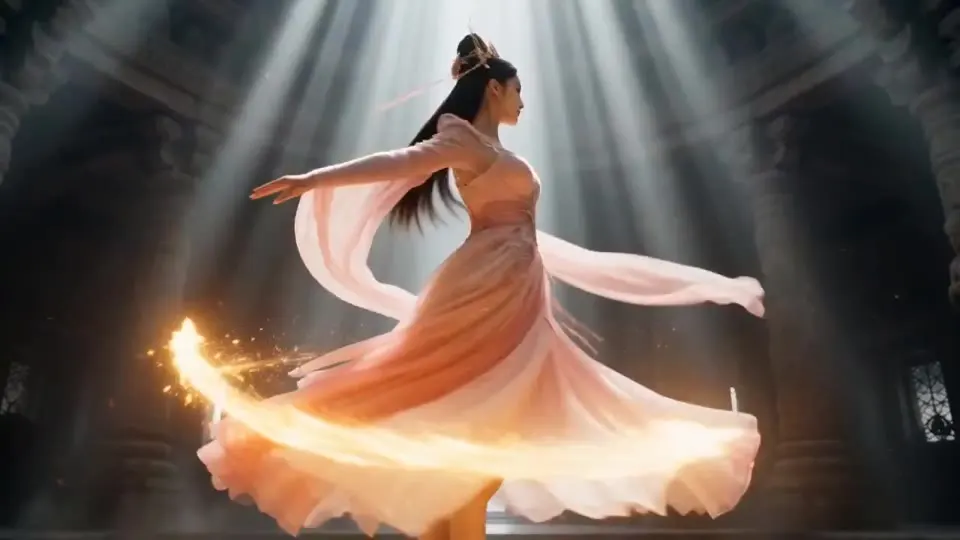
Lead with the subject and what happens. Add the setting, light, and camera movement only after the core action is clear; a compact shot avoids competing instructions.
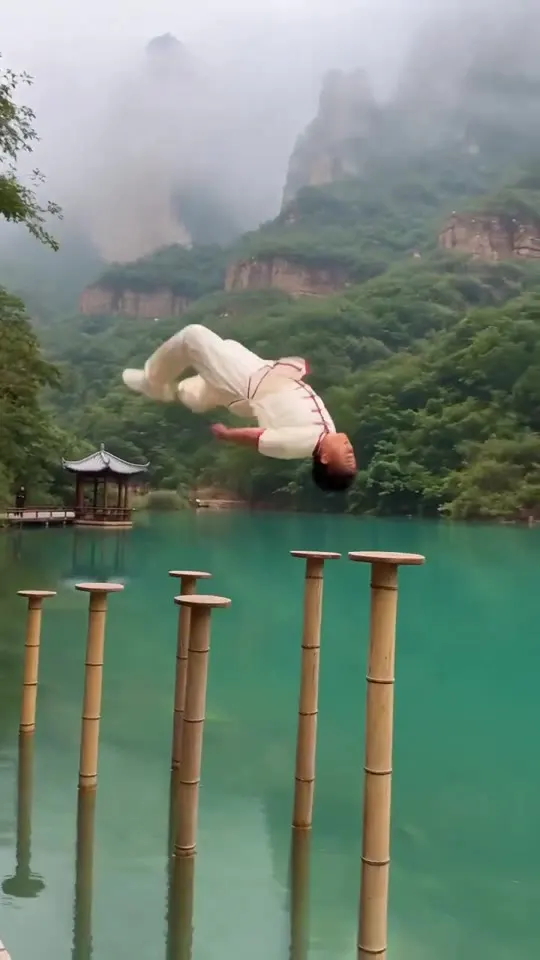
A clean image can anchor a subject or style. Explain what should remain recognizable rather than assuming the Agent will infer every detail from the upload.
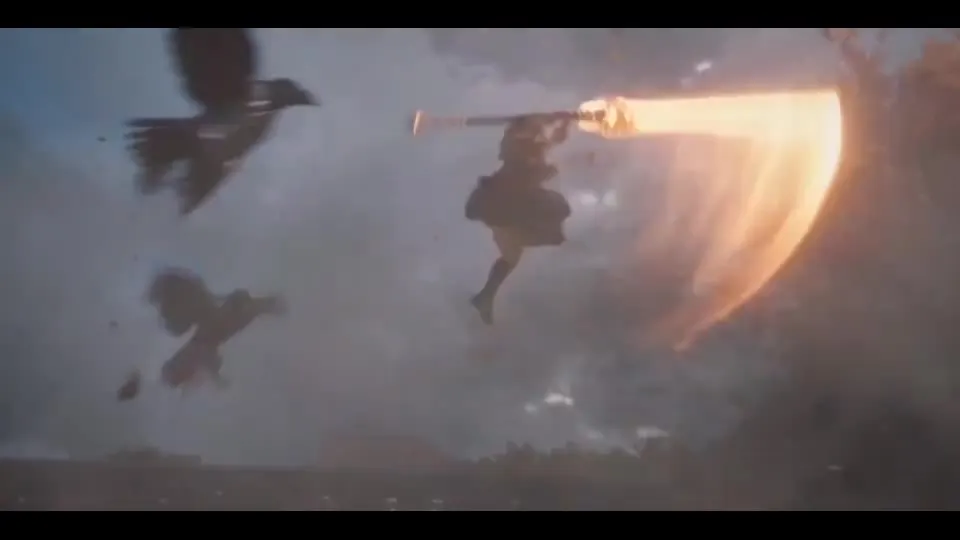
The reference guide describes 4-15 seconds and up to 1080p. This frontend has no separate Seedance 2.0 switch, so the Agent plan is the authority for availability and price.
A compact prompt makes the subject, action, and framing easier to inspect in the Agent plan.
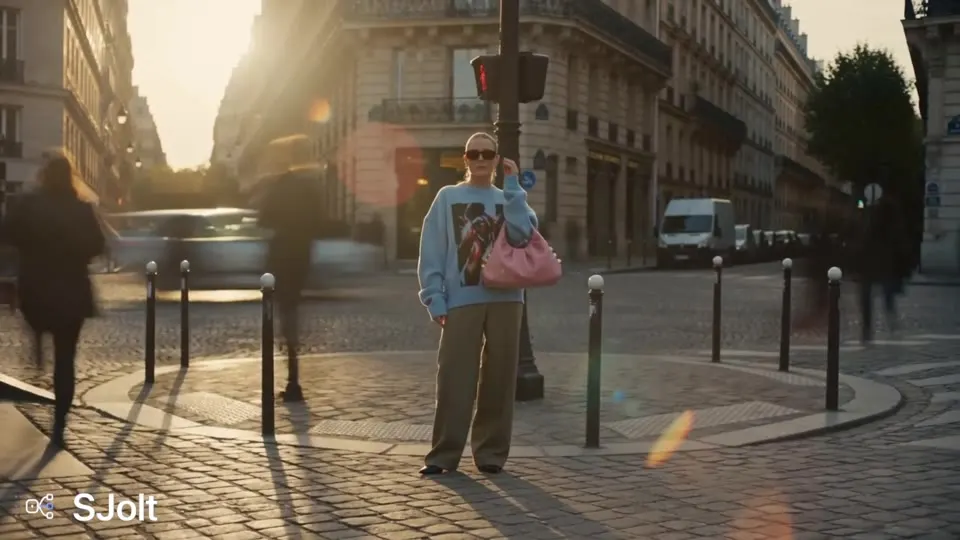
One action and one camera position give the shot a readable center.

Describe who acts first and what stays fixed in the composition.
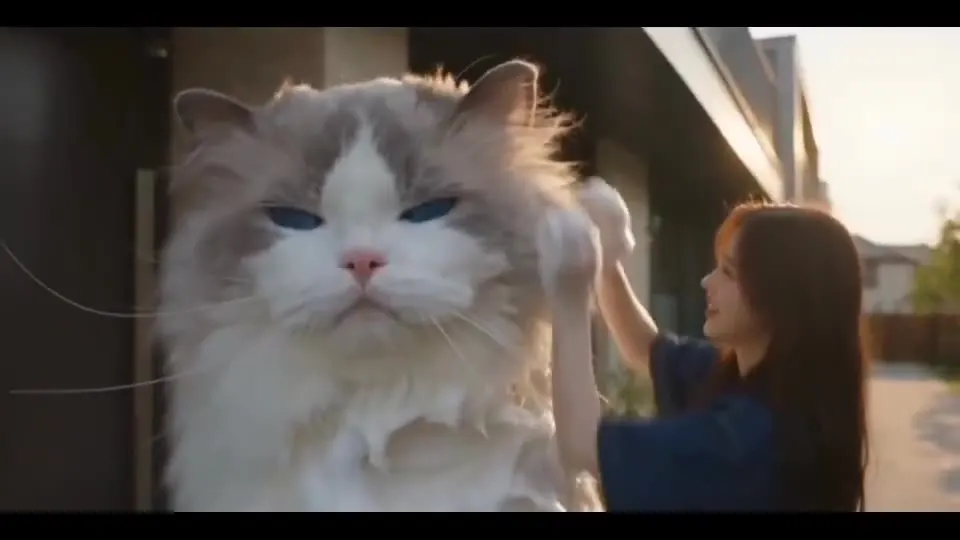
Keep the camera still so a small expression or glance carries the moment.
A simple two-person exchange is easier to direct when the composition, gesture, and final pose are all named.
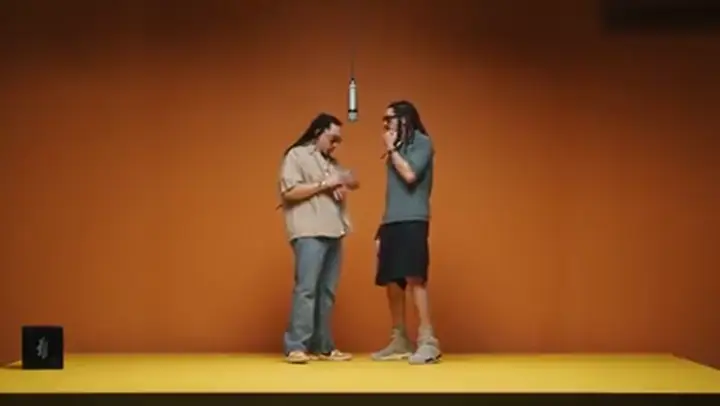
Give the Agent a clear starting composition and camera distance.
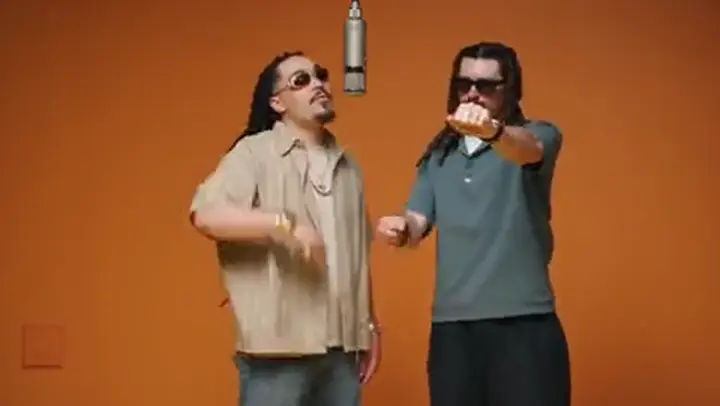
Describe the single gesture that carries the moment.
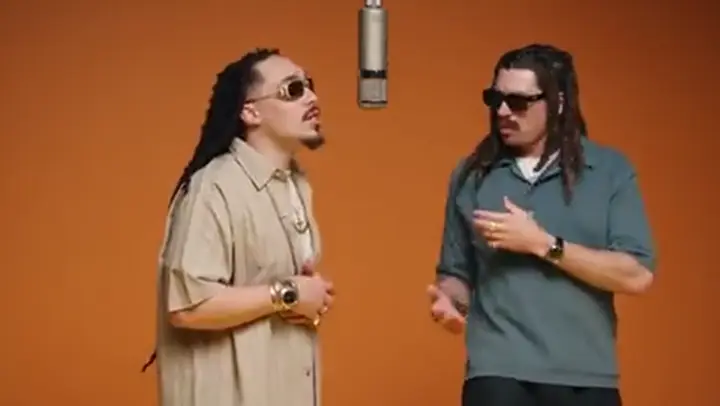
Keep both faces and the same studio setting readable.
Reference footage only. It is not a verified Seedance 2.0 output or a promise of model availability.
The reference model's published range is not a promise that it is selectable here.
There is no separate Seedance 2.0 control in this frontend; inspect the Agent plan.
Verify the planned duration before starting a multi-beat idea.
Select the session quality you want, then confirm the model supports it.
Use the live credit quote rather than a fixed figure on a guide page.
Not currently. The Agent session API used by this frontend has a resolution parameter but no model-selection parameter.
The session offers 480p, 720p, and 1080p. The final model and compatible settings must be checked in the Agent plan.
Review the plan and quote in the Agent before starting generation. A fixed figure on this guide could disagree with the session.
Upload your media, adjust the brief, and confirm the plan only when it matches your goal.
Start creating