
AI Tools That Can Improve Your Digital Workflow
Video downloading is only one part of a broader digital workflow. Content creators and businesses often need additional tools for research, productivity, software discovery, and content management.
AI-powered platforms can help simplify different tasks
For example:
- AI writing tools can assist with brainstorming and drafting.
- Image tools can help users create visual content.
- Productivity applications can streamline repetitive tasks.
- Software directories can help users discover specialized online services.
- Video tools can support the management of permitted online video content.
Rather than searching randomly across the internet, exploring dedicated product directories can help you discover more relevant resources.
Why Efficient Video Workflows Matter
Video has become one of the most popular forms of digital communication. Businesses use it for marketing, educators use it for learning materials, and content creators rely on it to engage their audiences.
As video consumption continues to grow, managing online video content efficiently has become increasingly important.
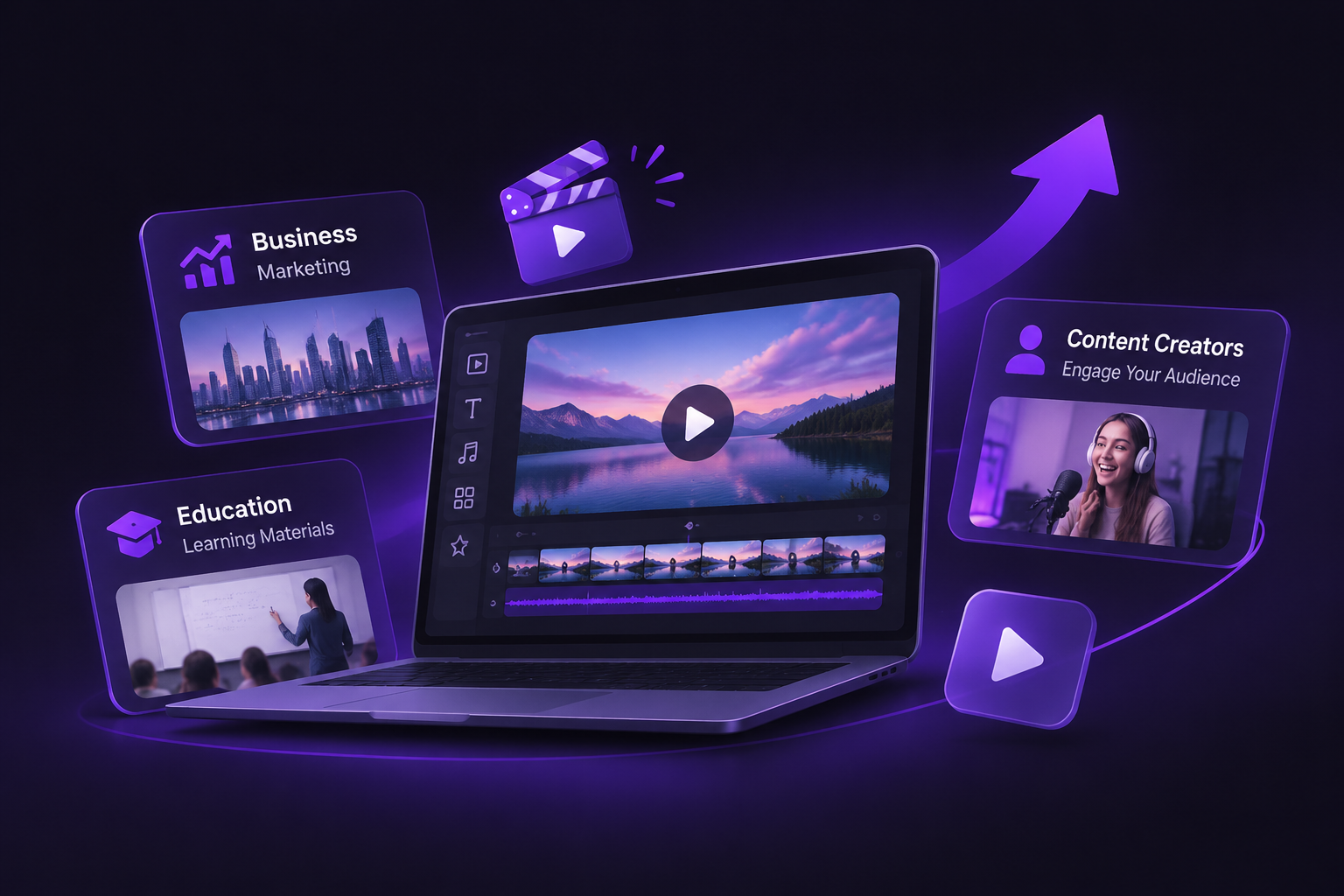
A practical video workflow generally includes several activities:
- Content discovery: Finding useful videos and digital resources from relevant platforms.
- Video management: Keeping video content organized and accessible.
- Online video downloading: Saving supported content for offline access when downloading is permitted.
- Content creation: Preparing and managing media for different publishing platforms.
- Productivity improvement: Using online tools to reduce repetitive work and simplify daily tasks.
Instead of relying on complicated processes, users can combine specialized tools to create a more convenient workflow.
The key is to find solutions that are easy to access, straightforward to use, and suitable for specific content-related needs.
CloneCut: Transform Reference Videos into Personalized Content
CloneCut makes this process more accessible by helping users recreate viral-style videos with personalized visual elements. By using reference footage and their own visual references, users can transform existing video concepts into new creative variations.
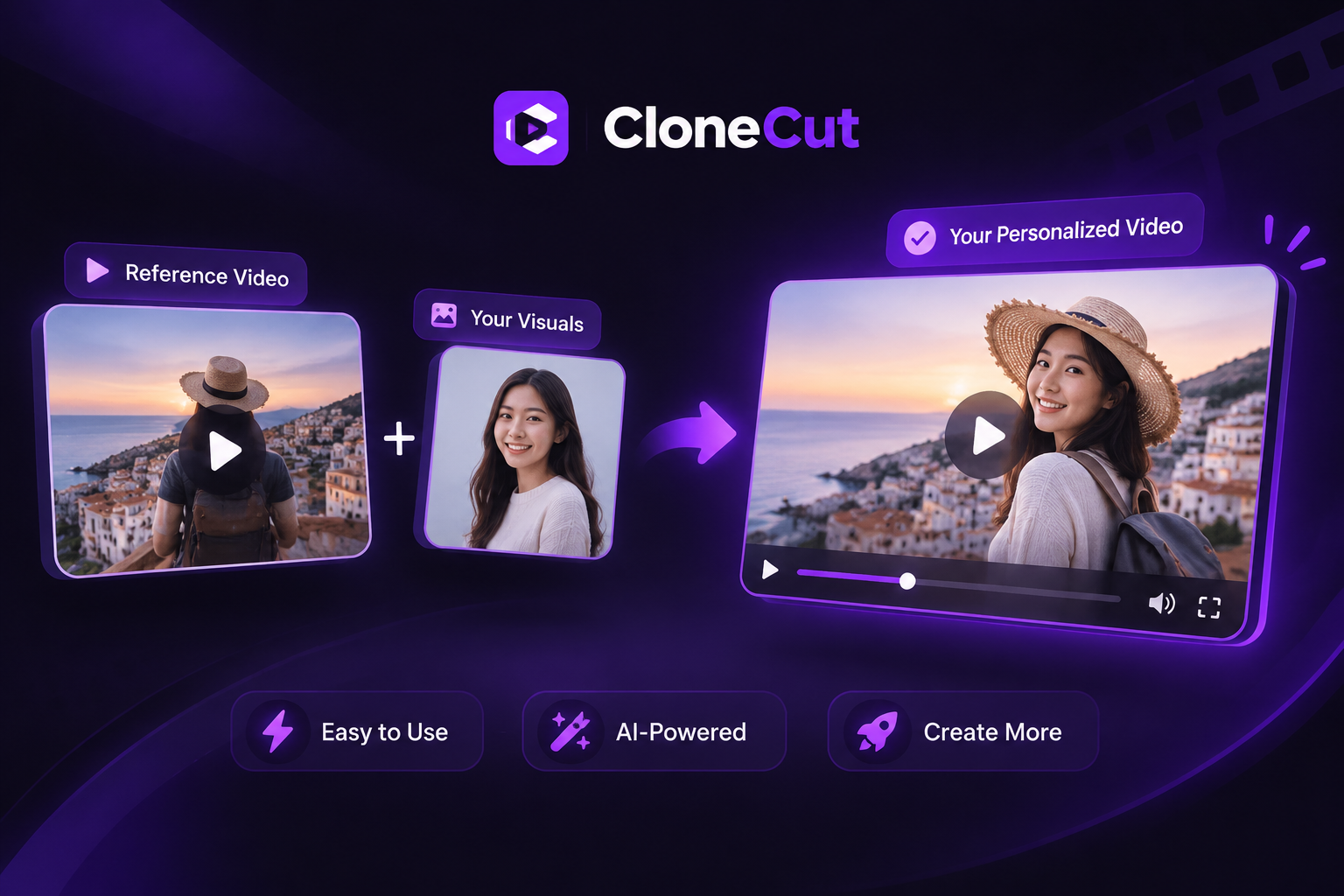
Key Features of CloneCut
AI Viral Video Cloning
Turn creative inspiration into personalized video content. CloneCut helps recreate viral-style videos from reference footage, allowing users to adapt popular video formats and develop their own creative variations.
Instead of building every video from the beginning, users can work with existing references and transform them into content that better matches their ideas.
AI Character Replacement
Replace people or characters in existing videos with your own visual references. This feature allows creators to personalize video characters while retaining the original scene as much as possible.
It can be useful for developing different character concepts, creating personalized content, and exploring alternative visual presentations.
AI Product Replacement
Showcase your own products in existing reference videos. By replacing featured products with your selected product visuals, you can adapt video concepts for e-commerce promotions, product launches, and marketing campaigns.
This provides another way to explore promotional video ideas without planning every scene from scratch.
AI Object Replacement
Swap selected objects in reference videos to better match your creative requirements. Whether you're experimenting with different visual elements or adapting a scene for a particular concept, object replacement provides additional flexibility.
AI Background Replacement
Transform video backgrounds to create different visual styles and settings. This feature helps users adapt the atmosphere of reference footage and explore alternative scene presentations.
Motion Preservation
Visual customization is more useful when the original movement remains consistent. CloneCut is designed to preserve the original actions and movements as much as possible while changing selected visual elements.
Timing Preservation
Video timing and rhythm play an important role in the viewing experience. CloneCut aims to maintain the original video's timing and flow so that customized content retains the structure of its reference footage.
Discover More AI Tools and Software Platforms
Below are several platforms worth exploring when researching new online tools and software solutions.
AI Tool Discovery Platforms




Startup and Product Discovery Platforms



Why Choose CloneCut?
One of the main advantages of CloneCut is its ability to combine multiple visual replacement capabilities within a video recreation workflow.
Here are several reasons why CloneCut can be useful:
- Reuse Creative Inspiration: Start with reference footage and develop personalized versions instead of creating every concept from scratch.
- Multiple Replacement Options: Customize characters, products, objects, and backgrounds according to different creative requirements.
- Preserve Original Movement: Maintain the original video's actions and motion as consistently as possible during visual changes.
- Maintain Video Rhythm: Preserve timing and flow to help customized videos retain the structure of the reference.
- Support Different Content Goals: Use one creative workflow for social media content, e-commerce promotions, advertising concepts, and other video projects.
Explore CloneCut and Discover New Possibilities for Your Next Video Project
Whether you're creating engaging social media content, promotional videos, or creative projects, CloneCut helps you explore new ways to bring your ideas to life. Discover powerful AI video tools, simplify your creative workflow, and turn your next video idea into reality. Start exploring today!
Explore CloneCut