
01 / TABLETOP
A stationary prop
A fixed object with limited occlusion is the clearest first experiment.

Explore a focused product or prop replacement with a source video and reference image. Review the proposed edit before using credits.
The Agent can analyze source videos and reference images, but a separate object-swap effect has not been independently validated in this frontend. We are not presenting a generated before/after as proof. Check the Agent's proposed operation and quote before confirming; do not rely on exact logos, packaging text, or hand contact without reviewing the entire result.
Start with a stable shot where the item remains visible, rather than fast cuts or heavy occlusion.
Use an original or licensed product image with clear shape and a similar viewing angle.
Identify the target by position and request preservation of surrounding motion and lighting.
Product and prop edits require consistent interaction, perspective, and readable details. This is a preparation guide, not a verified effect gallery.
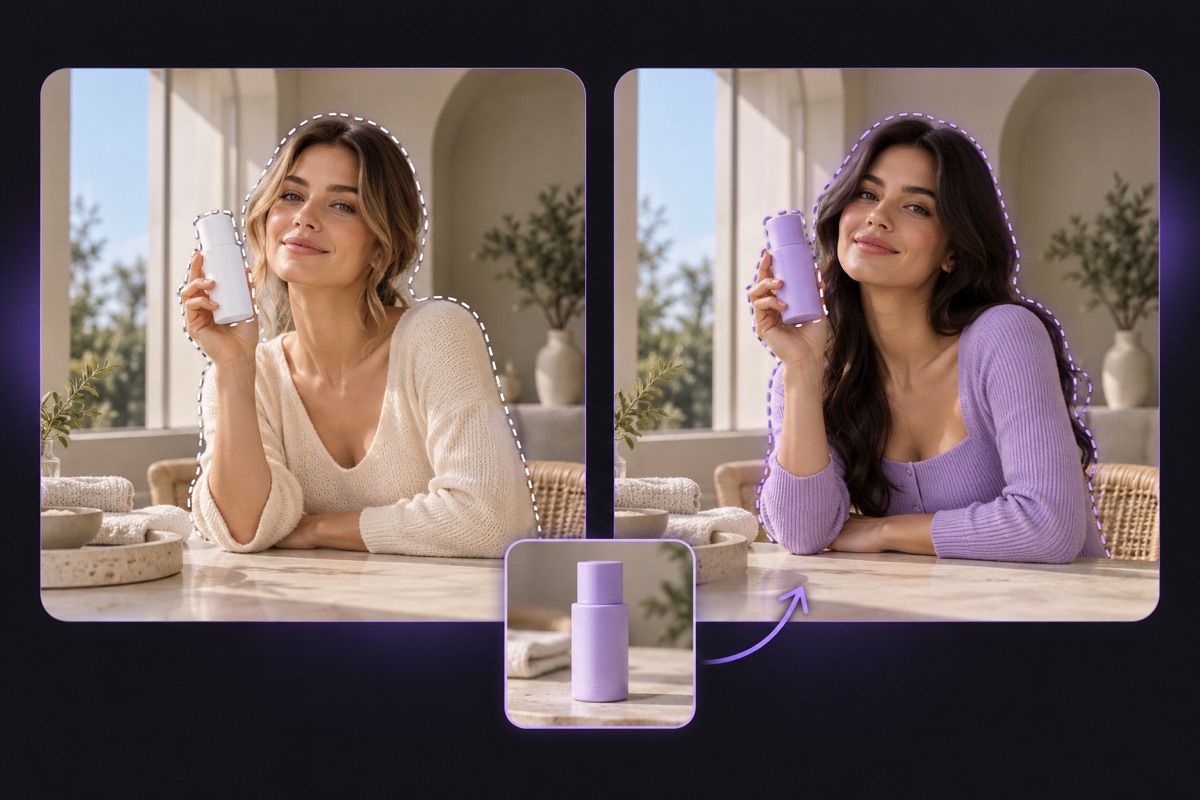
Pick one item with a clear outline and limited occlusion. A stationary object is easier to assess than a transparent, reflective, or rapidly rotating product.
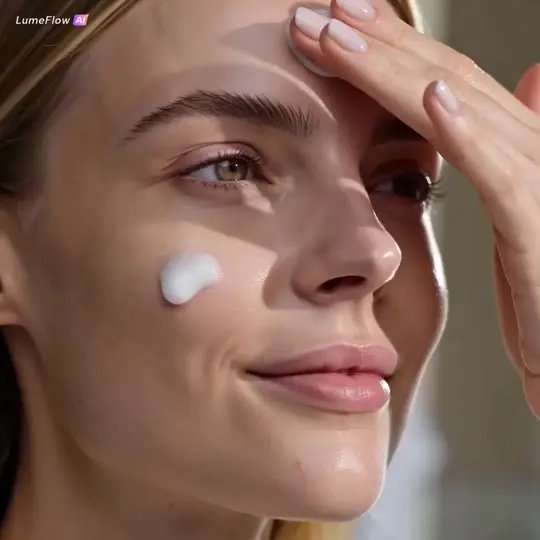
Choose an original or licensed reference with a similar angle and plausible size. A much larger replacement may no longer fit the original hand position or surface.
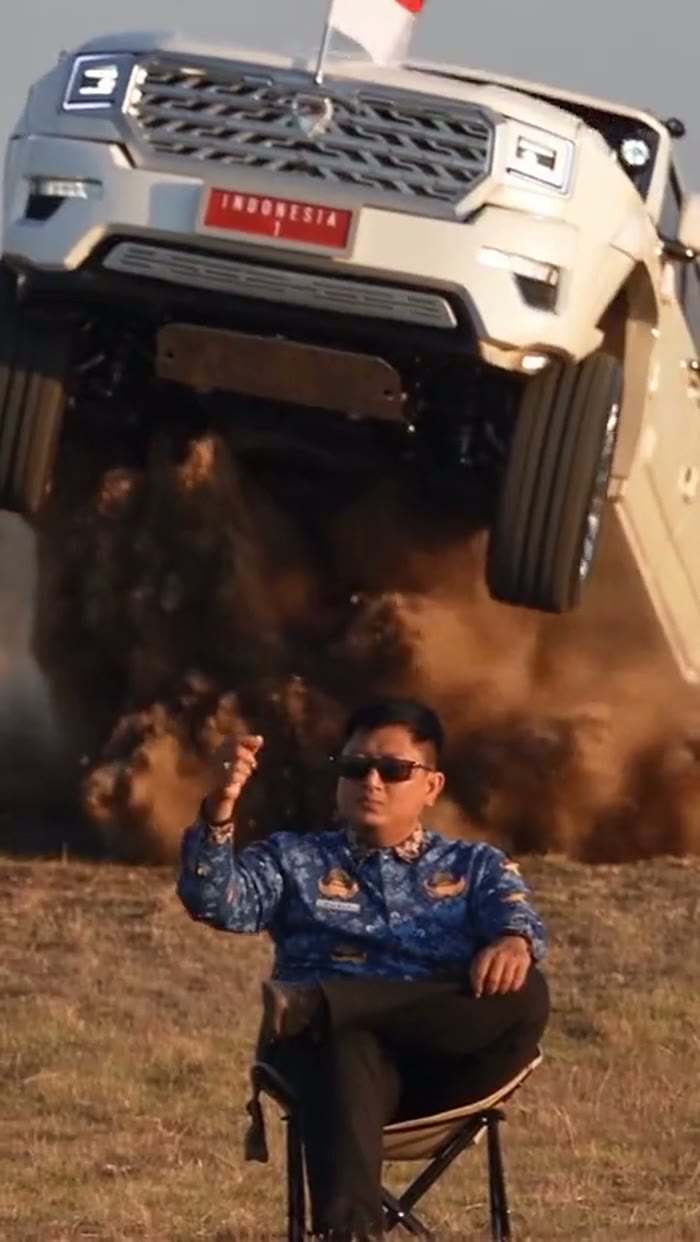
Inspect label text, logos, reflections, and contact across the entire video. Do not treat a plausible preview as an approved advertisement without review against your real product.
Object replacement is exploratory in this Agent workflow. Start with a small scope and review the proposed operation.
A fixed object with limited occlusion is the clearest first experiment.
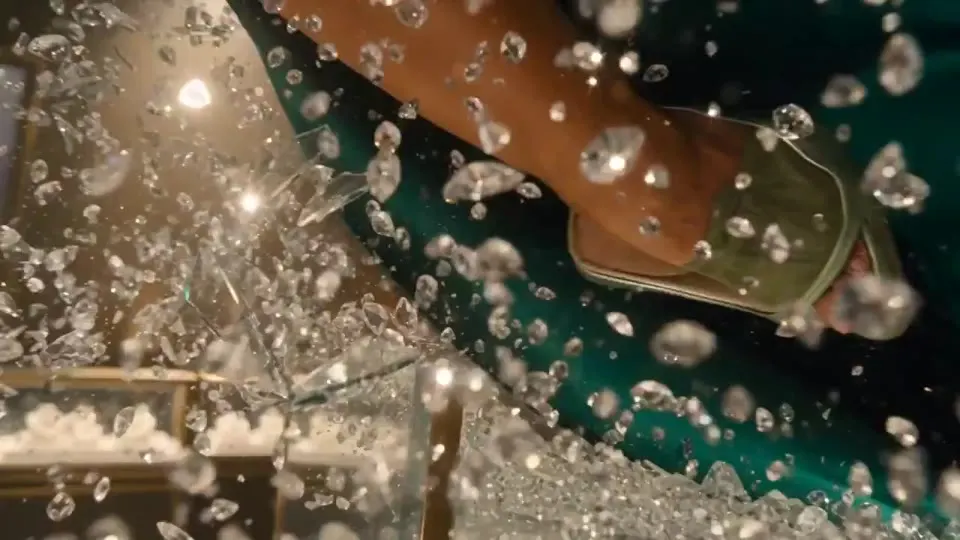
Watch edges, scale, highlights, and any contact as the item changes angle.
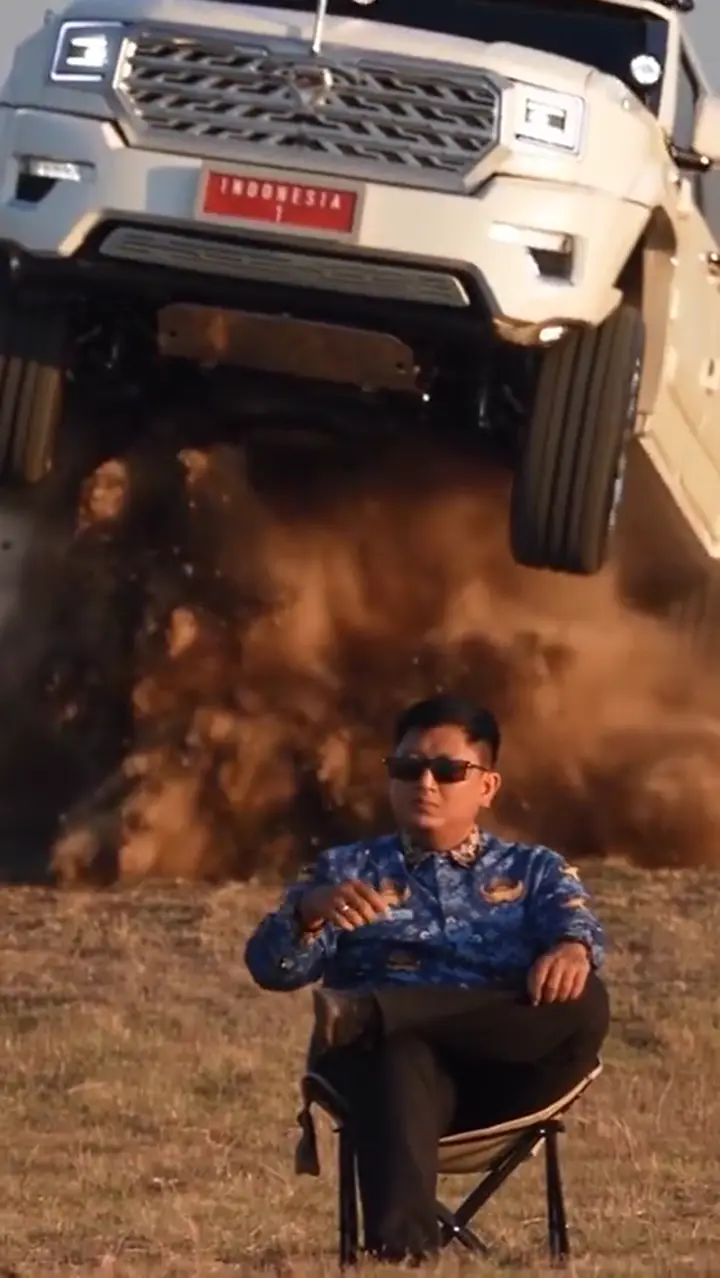
Treat reflections, perspective, and motion blur as review points, not guarantees.
A vehicle changes angle and lighting through one shot. Use these source frames to define what an exploratory replacement would need to preserve.
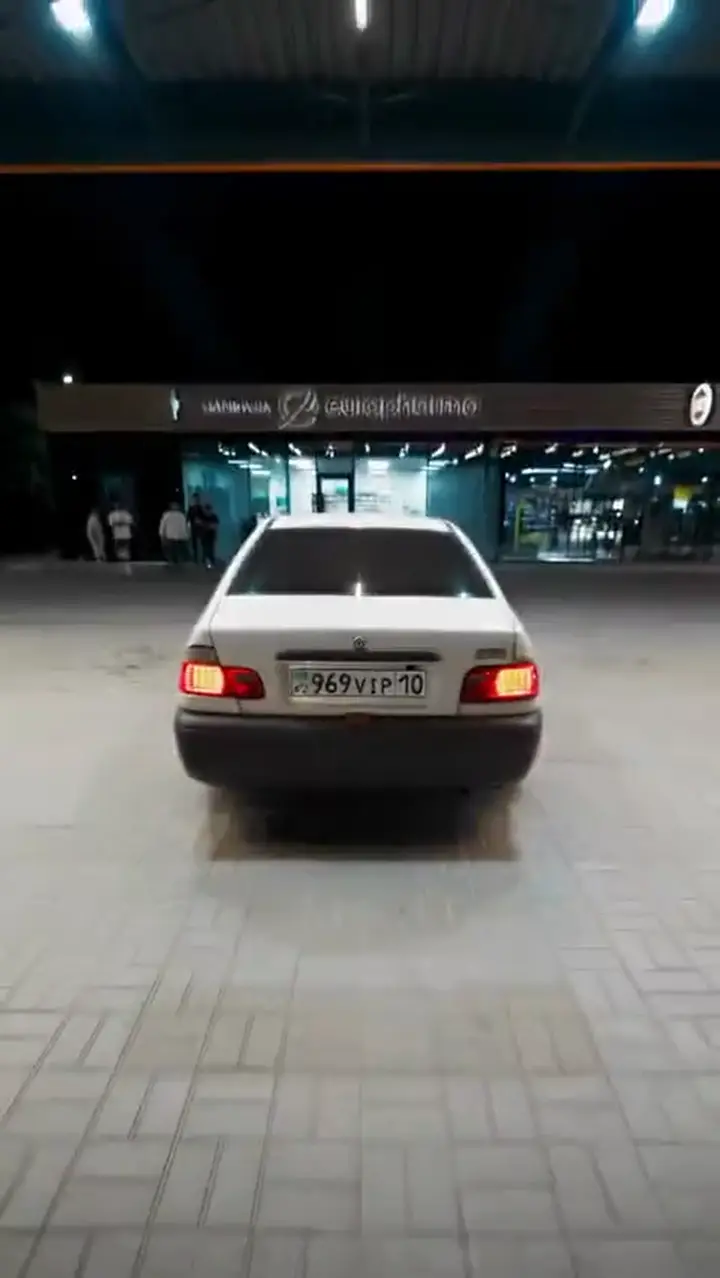
Check the scale against the road, neighboring objects, and camera position.
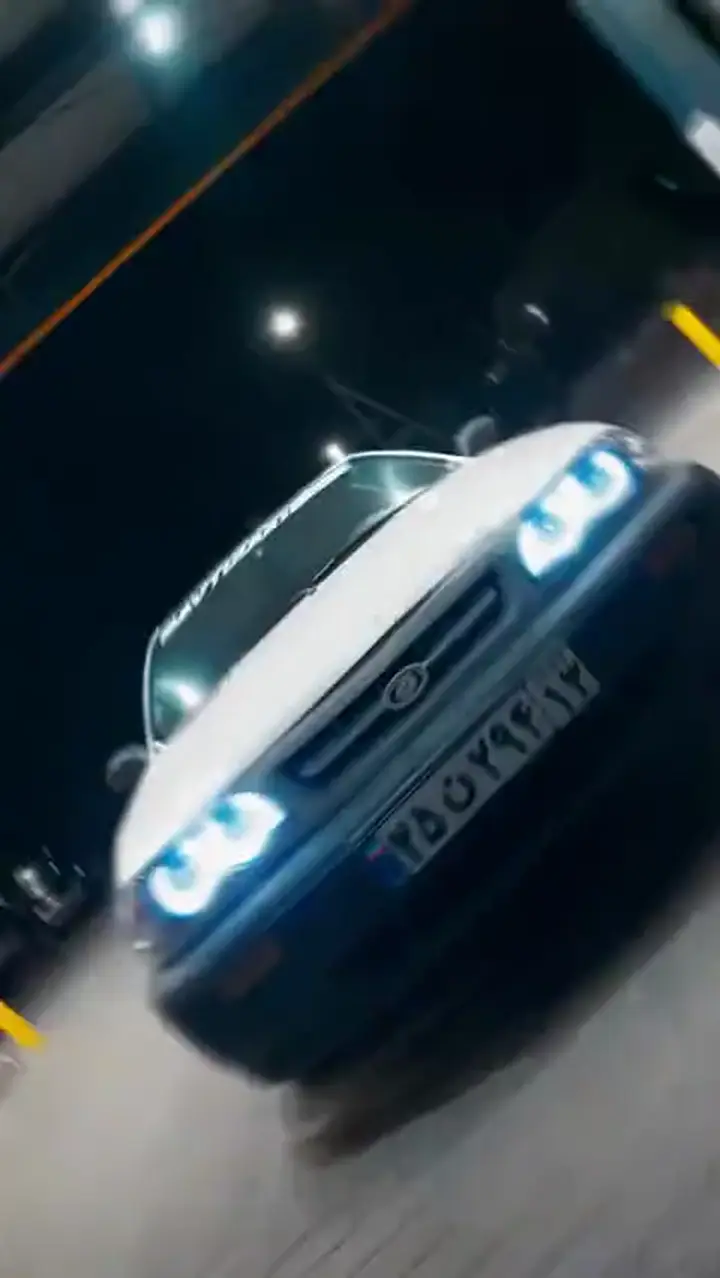
Notice perspective, blur, and reflections as the vehicle turns.
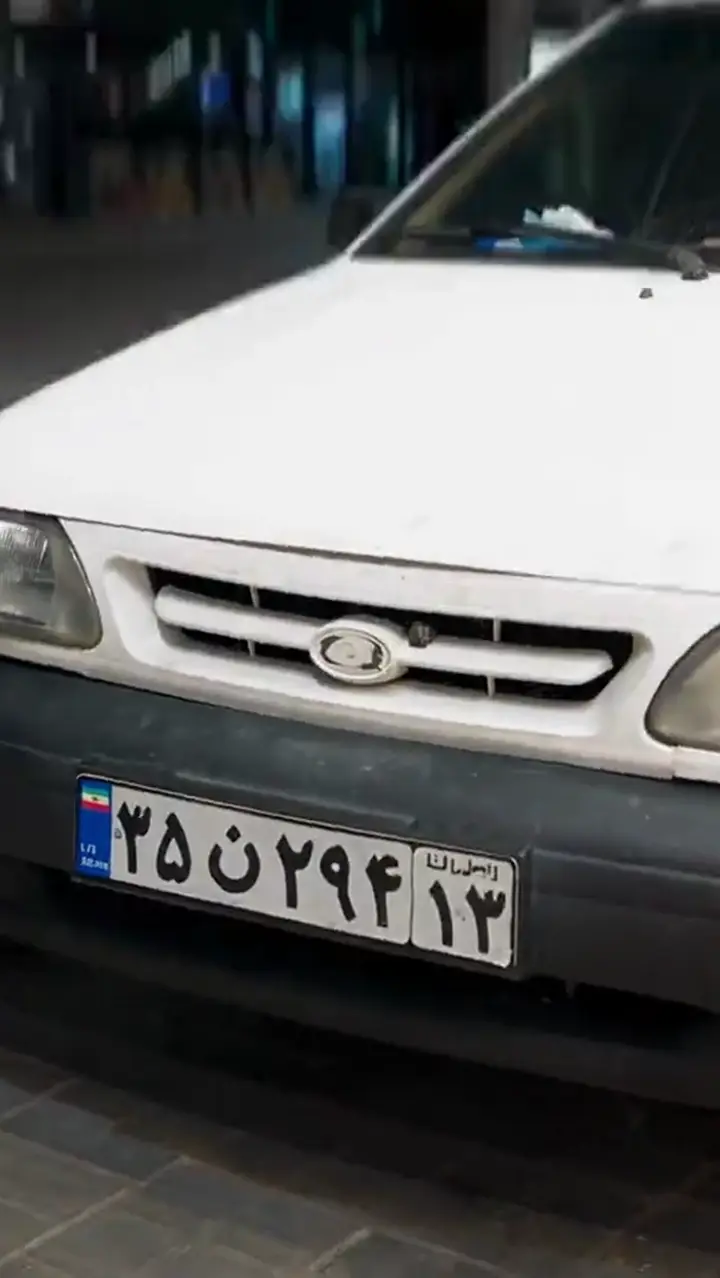
Inspect lights, edges, and markings rather than trusting one still.
Source-frame analysis only. Object replacement has not been verified as a standalone effect here.
Do not treat a plausible frame as a verified product edit. Watch the full output before commercial use.
Hands, surfaces, and shadows still meet the replacement in a believable way.
Scale and viewing angle remain stable as the camera or object moves.
Logos, labels, colors, and packaging match the real product where required.
Only the intended item changes; the rest of the scene remains intact.
No. The Agent can receive source videos and images, but object replacement has not been independently validated as a separate effect here.
Do not assume so. Generated text and logos can drift between frames; check every commercial detail before use.
A short, clear source video and a permitted reference image of one target item. Review the proposed operation before confirming.
Upload your media, adjust the brief, and confirm the plan only when it matches your goal.
Start creating