CLIP 01 / 03
Stadium Orbit
Orbit a football player on the pitch as he turns toward the camera. Preserve the smooth camera movement and empty stadium scale while changing the player's appearance and kit.

Plan longer video concepts with an Agent. Describe the scene, add your references, and review the generation plan before committing.
Gallery clips are creative references, not verified outputs of a particular Seedance version. Select one to bring it into the Agent workspace.
Orbit a football player on the pitch as he turns toward the camera. Preserve the smooth camera movement and empty stadium scale while changing the player's appearance and kit.
Model, duration, aspect ratio, and credits are finalized in the Agent plan. This page does not preselect a model or promise a fixed price.
These ranges describe the reference model, not a guaranteed option in this site's current Agent session. The session stores output resolution; the Agent determines model-specific settings and displays the credit quote in its plan. Verify those choices before confirming generation. The Agent may offer a different resolution from the 2.5 guide.
Explain the action, subject, setting, and camera move. Add a reference image where it helps.
Check the model, output length, resolution, and credits shown in your actual session.
Confirm only when the plan fits. Watch the complete result before downloading.
Use the model guide to shape the brief, then rely on the actual Agent plan for available output settings and credits.
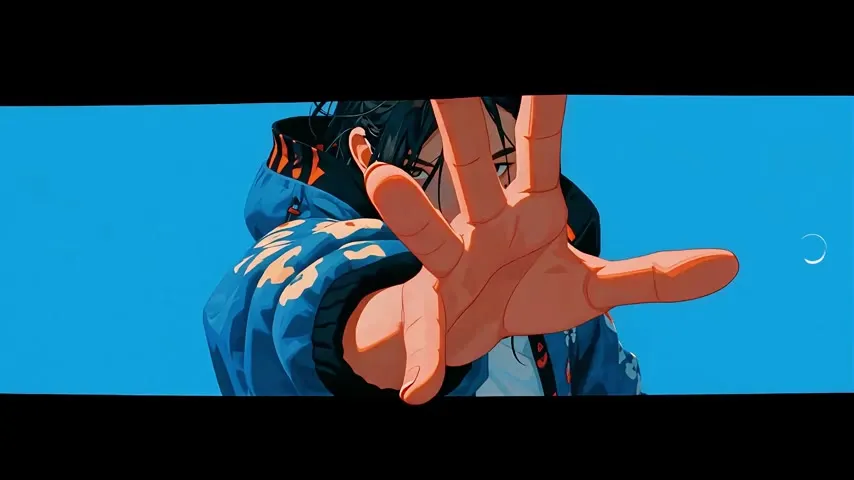
State who or what is on screen, what changes over time, and where the camera travels. A sequence of concrete beats gives the Agent more to work with than a list of moods.

Add clear imagery for the subject, product, or visual world. Tell the Agent which characteristics matter and which details may change between shots.
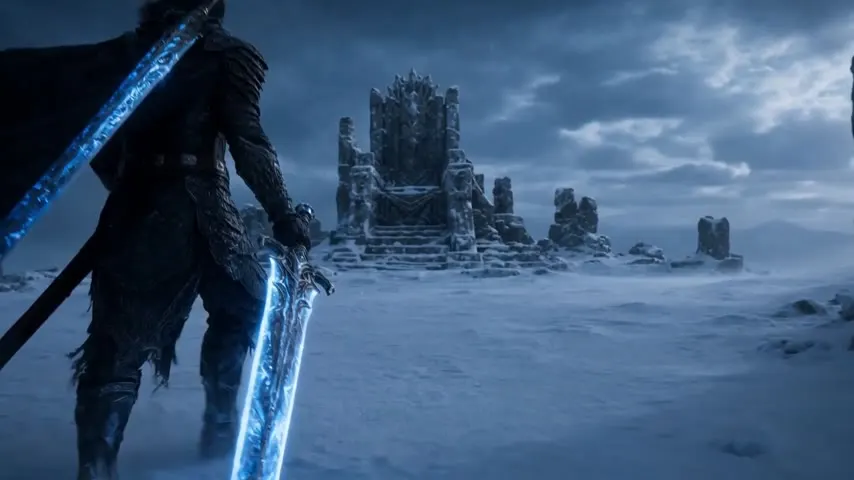
The reference guide describes 4-30 seconds at 480p or 720p. The current session does not expose a model selector; confirm its actual model, duration, resolution, and quote before generating.
Use the briefs as creative starting points. The Agent plan determines whether the requested model, length, and quality are available.
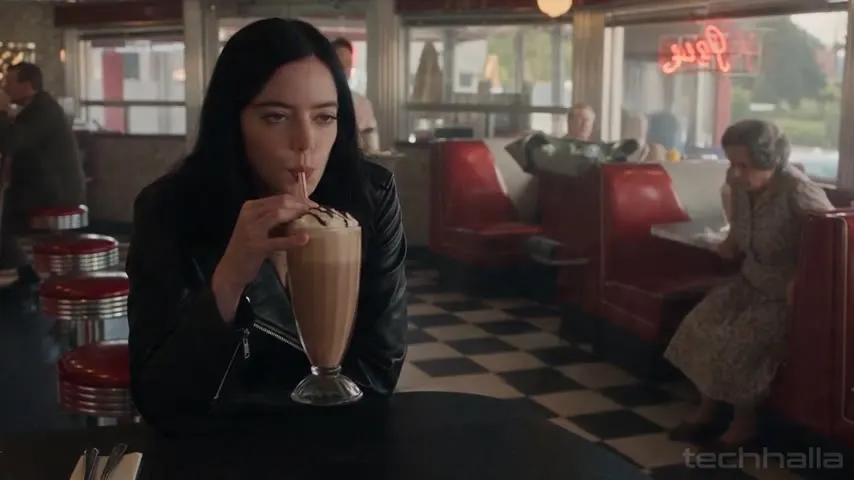
Describe the starting frame, the camera path, and the final composition.
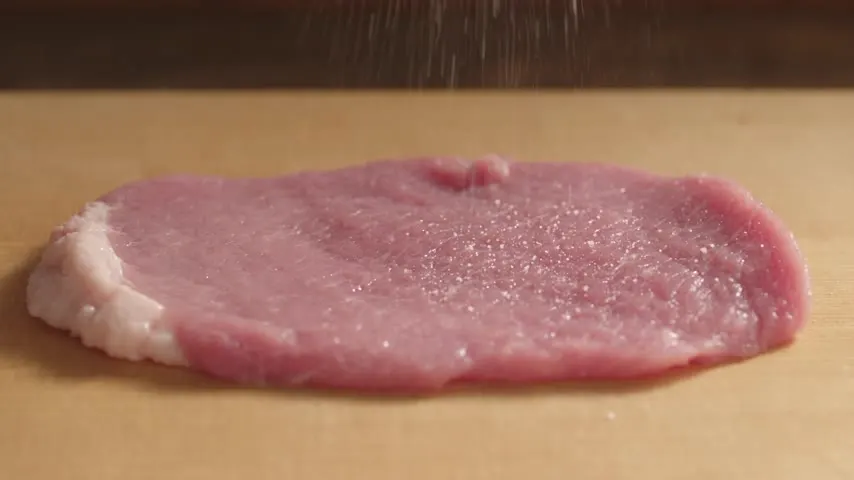
Begin on a close ingredient detail, then describe the final composition and camera move.
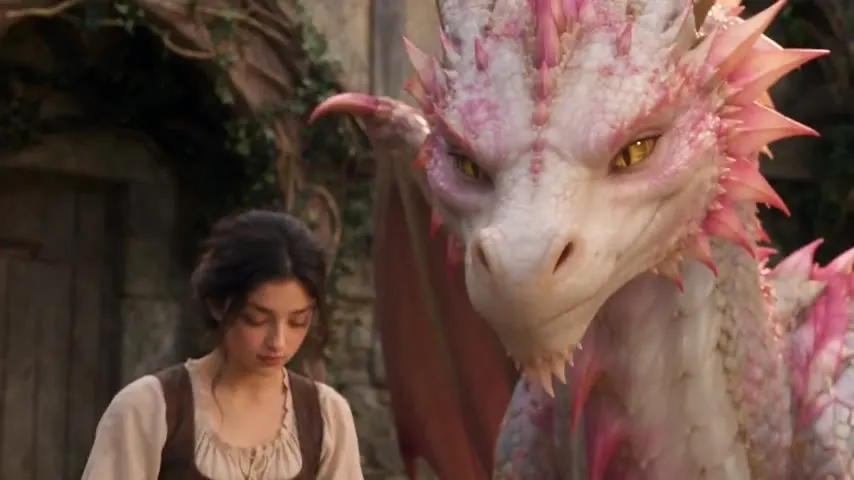
Use a simple progression with visual continuity across the shot.
Write a visual sequence instead of a pile of style terms. This shoreline clip gives three distinct beats to describe in a brief.
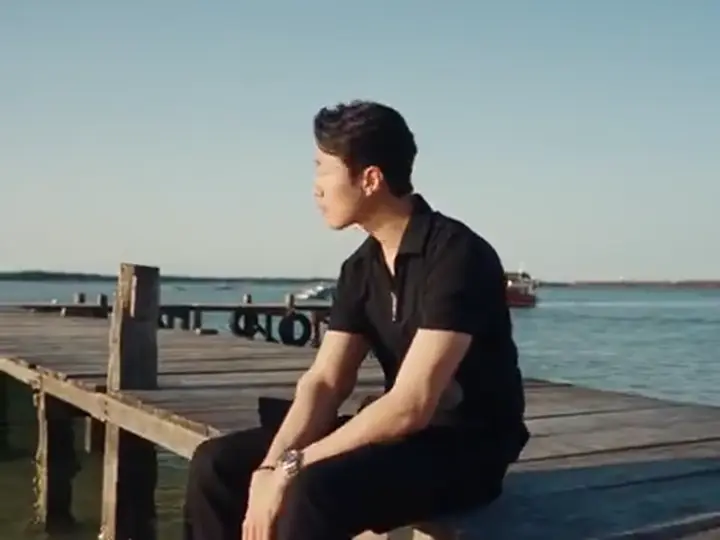
Establish the person, shoreline, and camera position.
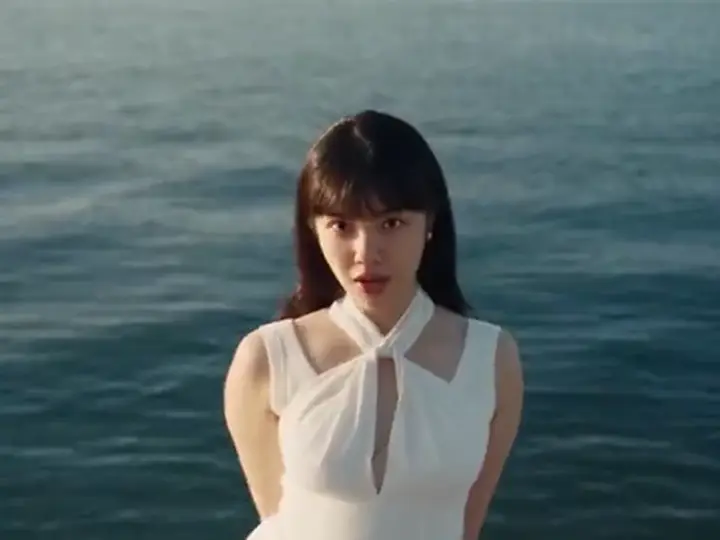
Specify the camera move and what should remain consistent.
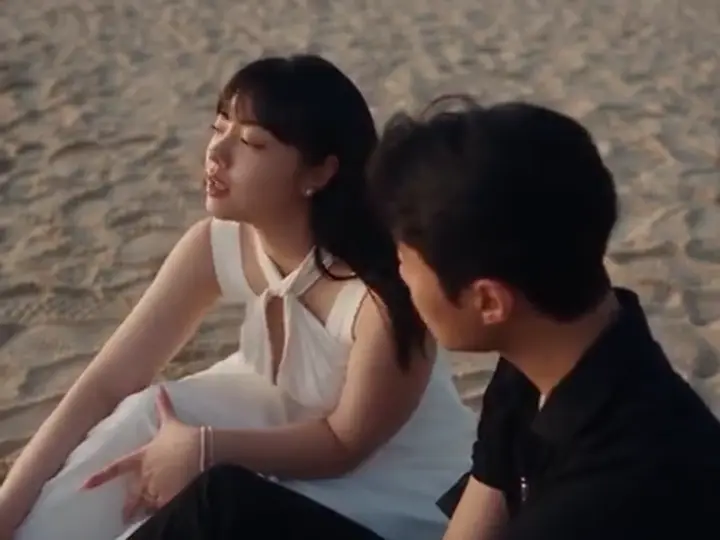
Name the final relationship between the people and the background.
Reference footage only. It is not a verified Seedance 2.5 output or a promise of model availability.
The model guide is reference information; the Agent plan is the source of truth for this run.
Check which model the plan actually selected; this page does not force Seedance 2.5.
Check the proposed output length against your intended sequence.
Compare the offered resolution and aspect ratio with the destination format.
Read the quoted cost before confirming the generation.
No. The frontend creates an Agent session with a resolution choice. The Agent plan determines the model-specific options; check them before confirmation.
Credits depend on the session's actual plan. This page does not publish a fixed quote; review the amount shown before generation.
Yes. Add supported media to the workspace and describe what the Agent should take from it.
Upload your media, adjust the brief, and confirm the plan only when it matches your goal.
Start creating